Automatic Pocket
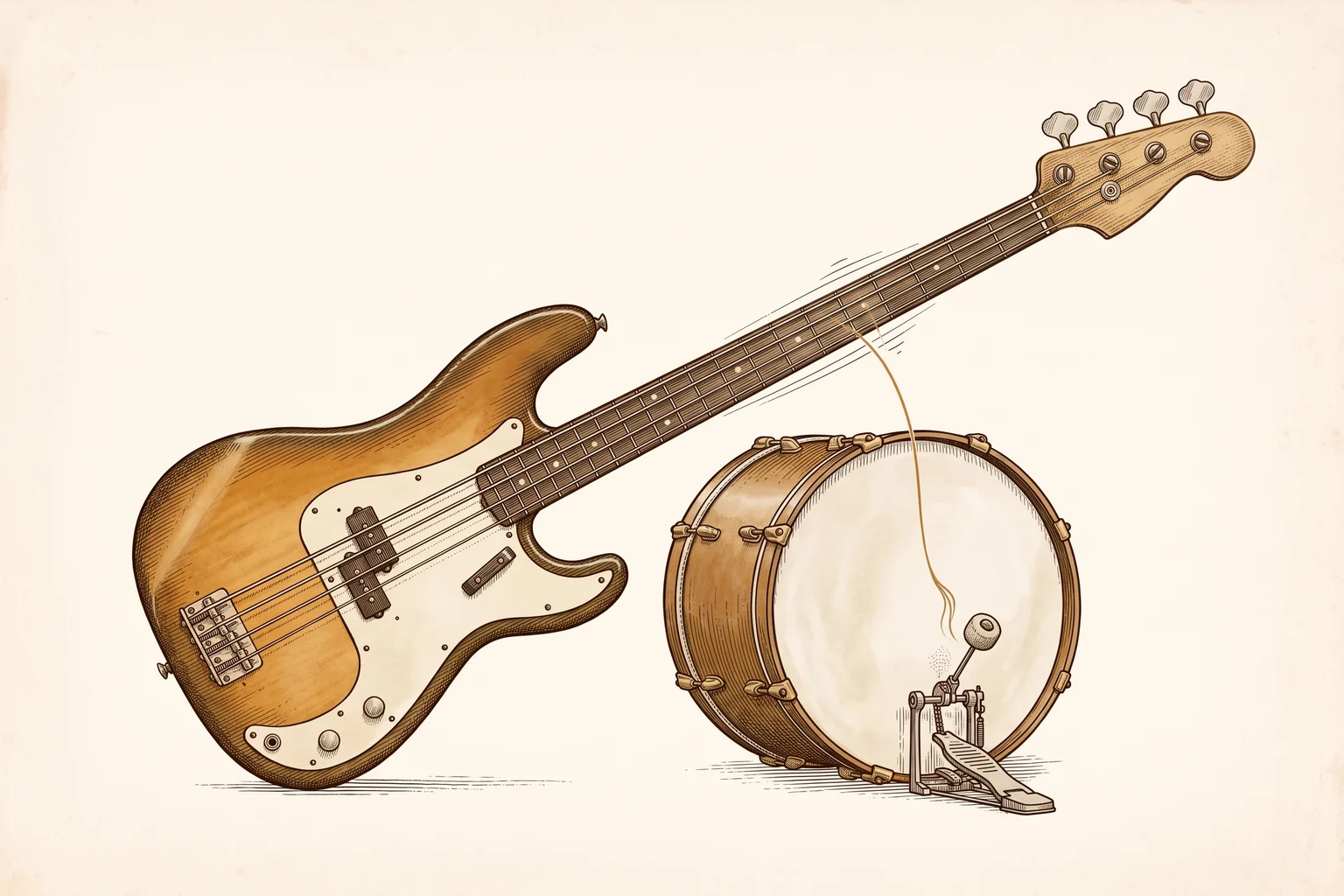
A practice app for bass players. Play a note on every kick drum and an analog needle shows how locked in you are. It started life as a drummer trainer that never quite worked.
- Class
- Bass Timing Trainer
- Habitat
- iPhone · TestFlight, pre-launch
- First observed
- 2026
- Platform
- iOS · Swift · SwiftUI · AVAudioEngine · DSP · Claude Code · music-tech
What It Is
Automatic Pocket is a practice app for bass players. You pick a groove, put your headphones in and play along. There’s one rule: play a bass note on every kick drum. A needle meter swings to each of those notes and shows whether you landed early, late or on it. Whatever you play between the kicks is up to you, and the app ignores it.
No extra gear needed. The drums play in your headphones, your bass goes through your amp (or you play it unplugged), and the phone’s mic listens.
How It Got Here
This specimen has been two different animals.
In February it was a drummer timing trainer, built in one evening by Claude Code from a 375-line brief. The brief was good and the demo was impressive. The app wasn’t good. On a real iPhone the audio jittered and it couldn’t reliably hear drum hits. A native Swift rewrite over the summer got it as far as TestFlight, and then it sat in the drawer.
In October I turned it into a bass app. I’m a beginner bassist, and I’d been running scales over 4/4 drum tracks and wanted to know whether I was actually locked in or just felt like it. The name still fit. Nothing else made the trip, and the old React Native code is deleted.
The Kick Game
The groove already knows where its kicks are, so the app never has to guess what you meant to play.
- The rule. Your kick note is the note closest to each kick, within 75 ms (or half the gap to the next kick, if that’s shorter). Every other note is free. Fills, walking lines and ghost notes cost you nothing.
- Lean is free, up to a point. Players sit a little ahead of or behind the beat, often on purpose. The app takes your median offset (your lean) and lets up to 25 ms of it slide at the default Relaxed setting (15 ms at Normal, 8 ms at Tight). Only the excess counts.
- Spread is what’s scored. How tightly your kick notes cluster around your own spot, multiplied by the share of kicks you actually played.
- Live words. LOCKED IN, RUSHING, DRAGGING or LOOSE, worked out from your last eight kick notes.
- Hide the kicks. Ear-training mode removes the kick markers from the bar, so you have to hear them.
- Feel targets. Push (−12 ms), Dead on, Laid back (+12 ms) or Deep (+25 ms). The scoring window centres on wherever you’re aiming.
- Drummer tricks. The drums drop out for a few bars (on a schedule or at random) so you have to hold the time yourself, or the drummer slowly drifts the tempo and you have to follow.
- Practice programs. Lock in, Hold the time, Lay back, By ear, Follow the drummer, Ghost drummer. The first card on Home suggests one based on how your recent sessions went.
The results screen leads with the score, then one takeaway line (“Took 13 bars to settle in. From bar 14 on you were at ±19 ms, which scores 80.”), then every kick plotted by position in the bar, the notes a listener would actually hear as off, and the whole take bar by bar.
Under the Hood
- Native Swift and SwiftUI, iOS 17+, with no third-party dependencies. Audio runs on
AVAudioEngine, the DSP on Accelerate’s vDSP FFT, and the charts on Swift Charts. - A recorded acoustic kit. Ten grooves (Rock, Funk, Soul, Disco, Hip-Hop, Half-Time, One Drop, Shuffle, Jazz Swing, Sticks) played from 65 samples with velocity layers, so ghost notes are actually soft. The samples are DRSKit by the DrumGizmo team and Jes Eiler of DRSDrums, used under CC BY 4.0. Each hit is trimmed to start within 0.3 ms of its first sample, because the drums are the timing reference.
- Sample-accurate playback. The app computes the whole session’s timeline before you press play. The audio thread just walks a preallocated array, with no locks and no memory allocation.
- Hearing a bass through a phone mic. Legato bass notes barely change the overall level, so the simple volume-spike detection that works for drums fails on bass. The detector looks for sudden spectral change instead: a 1024-point FFT every 2.7 ms, measured against each frequency bin’s own noise floor so a quiet unplugged bass and a loud amp behave the same. Each attack is then pinned down to about 1 ms.
- Confirming the note. Finger noise on a ringing string, fret buzz and the click of muting a note all look like plucks to that detector. So each candidate waits about 45 ms and checks whether the bass band (40 Hz–1 kHz) actually rose. On a clip of real playing this keeps all 32 clear plucks and drops 11 of 14 impostors.
- Latency calibration. For each output (wired, USB-C, Bluetooth), the app plays clicks, hears them back through the mic and measures the round trip. Bluetooth calibration runs longer and fits a trend line, because some receivers add more delay the longer they play.
- Headphones required. On the phone speaker, the app’s own kick drum would cover the very note it’s asking you to play.
Field Notes
The honest limits, as of today:
- Detection has been verified on one bass, mine, in quiet rooms. Amps, louder rooms and other players will need tuning.
- The grade is calibrated against one bassist. Me, a beginner. My best take scores about 70 at Relaxed, because that’s what it sounded like to me.
- Some Bluetooth receivers drift. A NUX Mighty Plug Pro added close to a millisecond of delay every second until it levelled off around +65 ms. The app detects this during calibration and warns you, but it can’t correct for it, because the drift changes from session to session.
- Hammer-ons and slides may not register as new notes. Note length (whether you mute when you should) isn’t scored yet.
Status
In progress. The bass version (3.0.0) is on TestFlight, with 88 automated tests passing, including my own recorded takes as fixtures. It isn’t on the App Store yet. Before launch it needs a final on-device pass, an iPad layout, the App Store listing and a price.
After launch: a jam mode (pick a key and a progression, play over drums and keys, no scoring), a muting trainer, and a step editor for your own beats.
The app
The app’s own page, with setup help and support, is at giffenlabs.ca/automatic-pocket. It collects no data; the privacy policy has the details.